Post-Training RPE Score
The Post-Training tab is completed immediately after a session. It records how hard the session felt and how long you trained.
Step by step
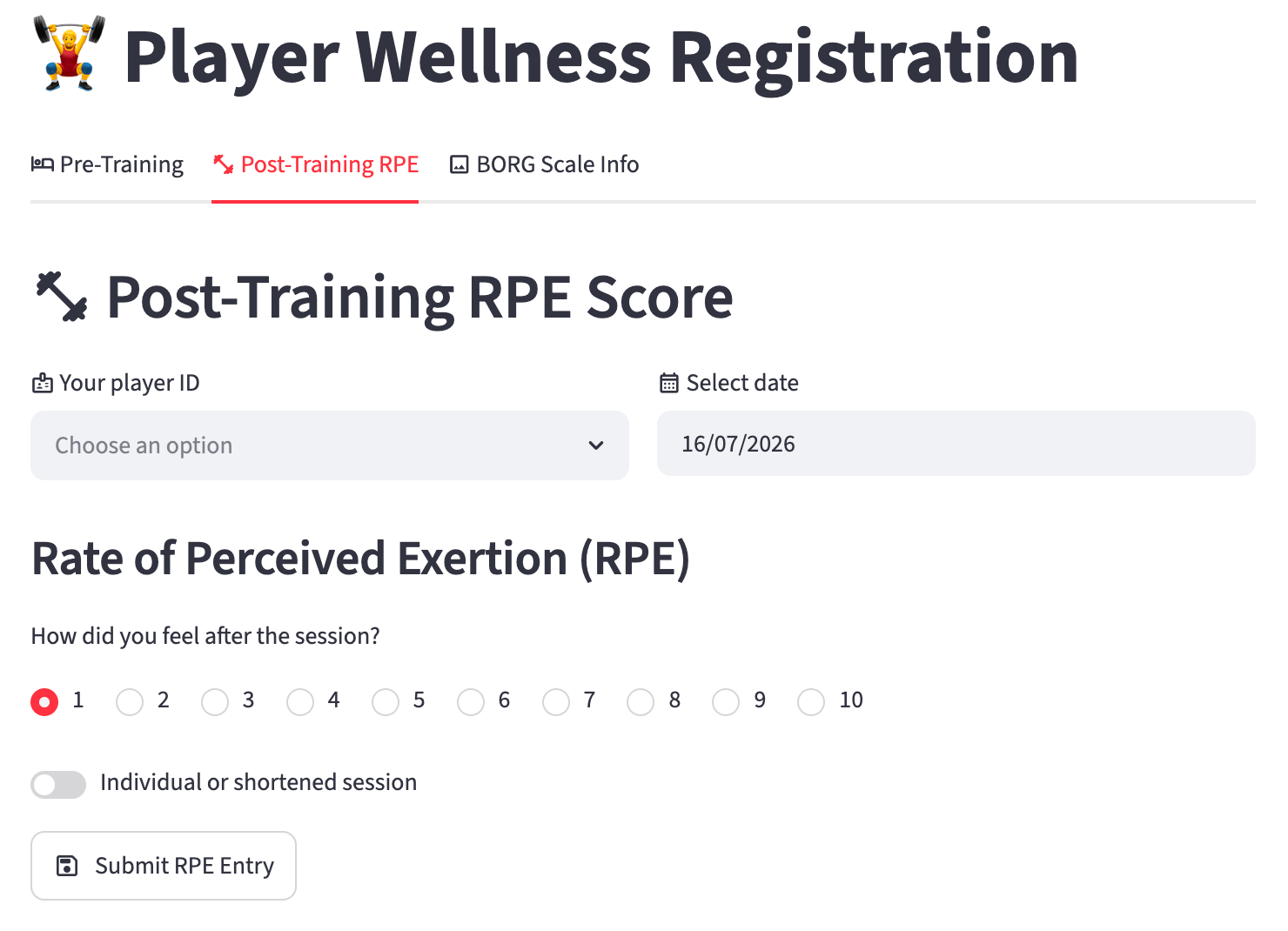
1. Select your Player ID
Choose your Player ID from the dropdown list.
2. Select the date
Defaults to today. Change only for a late entry.
3. Rate your effort (RPE)
Select a number from 1 to 10 that best describes how hard the session felt overall. Use the BORG Scale reference if you are unsure.
Tip
Think about the session as a whole, not just the hardest moment. A warm-up jog followed by a match would average out somewhere in the middle.
4. Training minutes
Enter the number of minutes you actually trained. If you left early or arrived late, enter the time you were actually active — not the full session duration.
5. Individual session
Toggle this on if you trained separately from the group — for example during rehabilitation, an individual technical session, or a separate fitness programme.
6. Submit
Tap Submit RPE Entry. A green confirmation message confirms your data has been saved.
Session Load
Your session load is calculated automatically as:
This is the standard sRPE (session Rating of Perceived Exertion) method developed by Carl Foster. A score of 7 for a 90-minute session gives a session load of 630 arbitrary units (AU).
Your coaching staff use this number to track your weekly training load and manage your risk of injury and overtraining.